How to Spot AI Art: 7 Proven Methods for Confident Detection
Learning How to spot AI art starts with recognizing subtle visual inconsistencies, like unnatural eyes or odd shading, that machines often miss. Using metadata and file analysis can confirm suspicions by revealing generation tools or edits. Digital detection tools also support your judgment but should not be the sole method for verification.
Key Takeaways
- Look closely for unnatural eyes, inconsistent shading, and perspective errors common in AI-generated images.
- Check image metadata to identify AI software signatures or editing history that point to AI art creation.
- Use multiple AI detection tools for cross-verification, as individual tools vary widely in accuracy.
- Be cautious as human-made art can sometimes be misclassified as AI generated by detection tools.
- High-quality AI art from recent models can closely mimic professional work, requiring detailed scrutiny.
- Initial visual inspection is essential even before turning to automated detection software or metadata analysis.
1. Visual Signs Experts Use to Identify AI Art
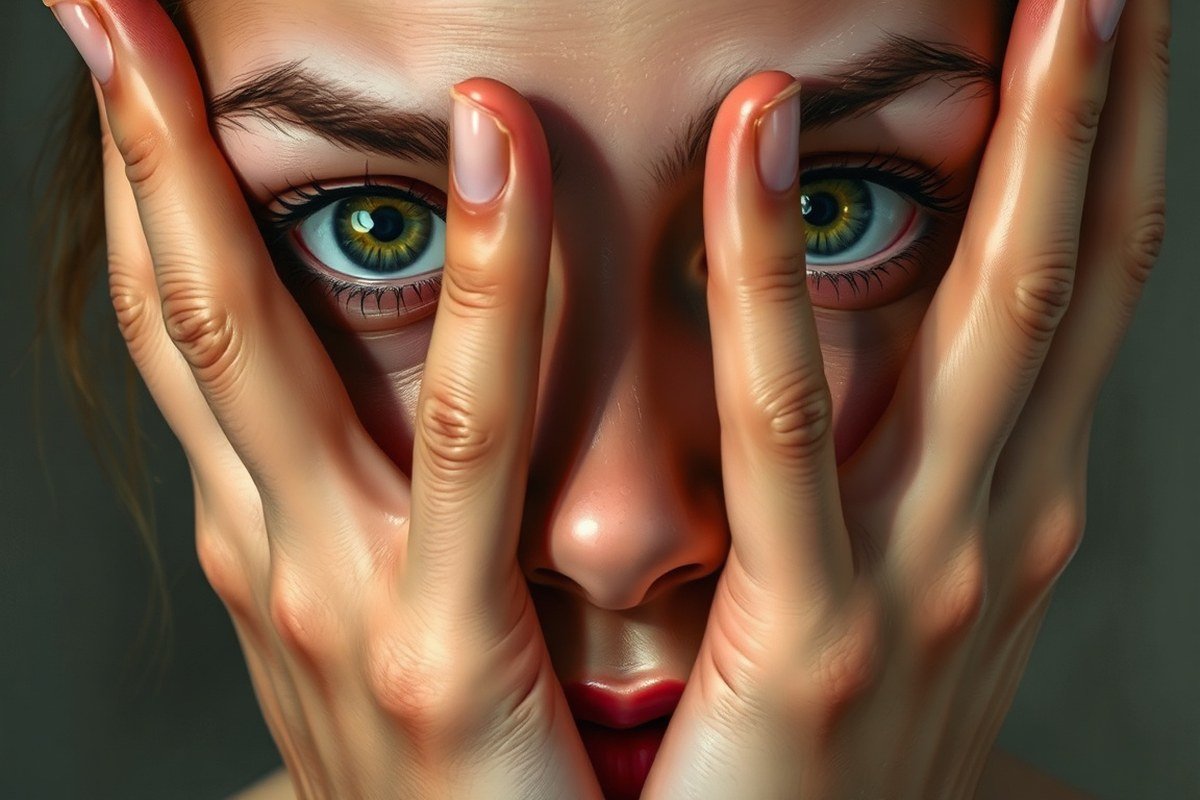
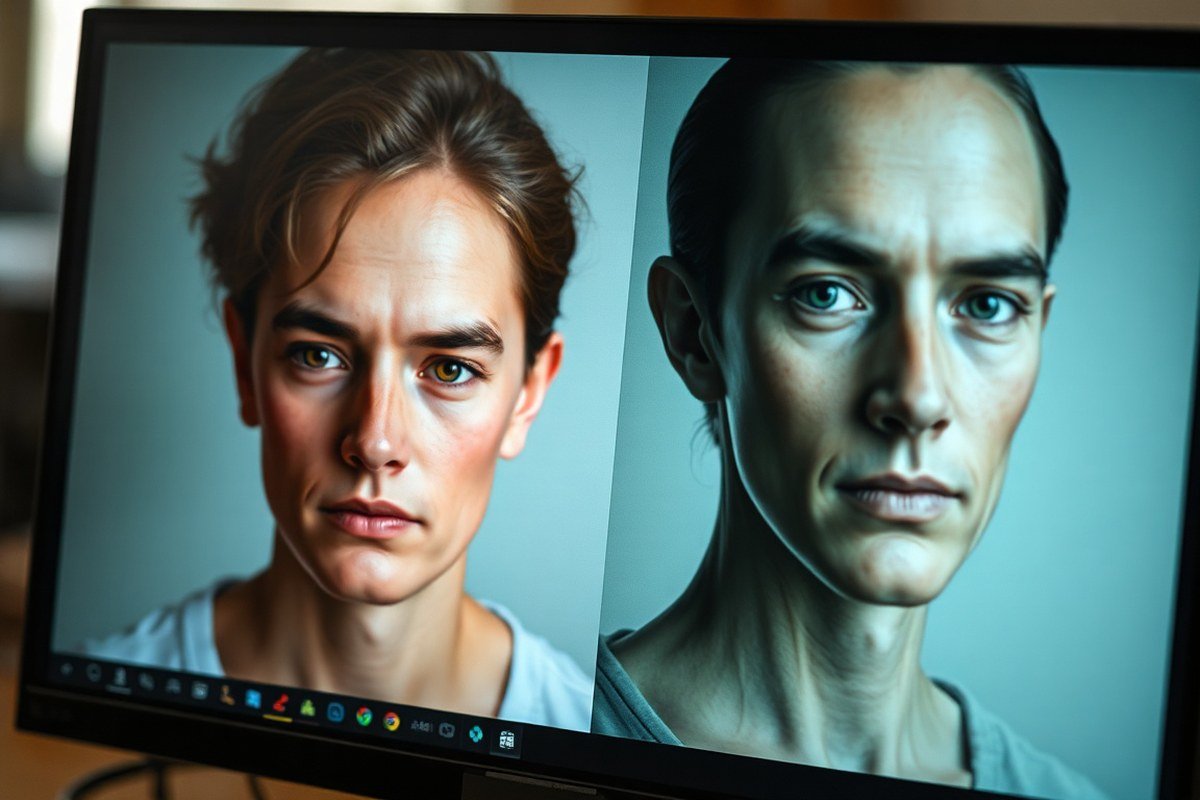
Visual clues like anatomy errors and texture inconsistencies are key to spotting AI-generated art. AI often struggles with human anatomy, especially hands and faces. Distorted fingers that merge, show extra joints, or lack natural poses occur frequently. Faces may display asymmetric features or unnatural smoothness lacking typical skin detail. These errors matter because hands and faces carry subtle variations in human artistry that AI models still fail to replicate reliably.
Textures on clothing and skin in AI art tend to be too uniform or overly smooth, lacking the irregularities seen in natural fabrics or skin pores. Backgrounds may contain complex but illogical details that don’t align with the scene’s perspective. You might notice objects bleeding into each other or repeated patterns that look unnatural, which suggest the AI’s tendency to fill space without genuine spatial awareness.
Carefully examine artwork for these red flags: extra or fused fingers, inconsistent lighting on facial features, overly polished skin, and backgrounds that include impossible architecture or repeated motifs. Real artists usually leave intentional imperfections like varied brush strokes or subtle texture changes. In contrast, AI-generated images often aim for visual appeal but sacrifice realistic flaws, resulting in a “too perfect” appearance without canvas texture.
Testing for these signs typically takes a few minutes with close visual inspection at moderate to high zoom levels. For example, zoom in on hands and faces to check finger count and symmetry. Look at fabric edges to spot unnaturally smooth areas or repeated patterns. Backgrounds should maintain coherent lighting and perspective; inconsistencies are a signal to question authenticity. While newer AI versions have improved, especially in rendering backgrounds, hand and facial anatomy remain reliable indicators of AI generation in 2024.
2. Using Metadata and File Analysis to Detect AI Art
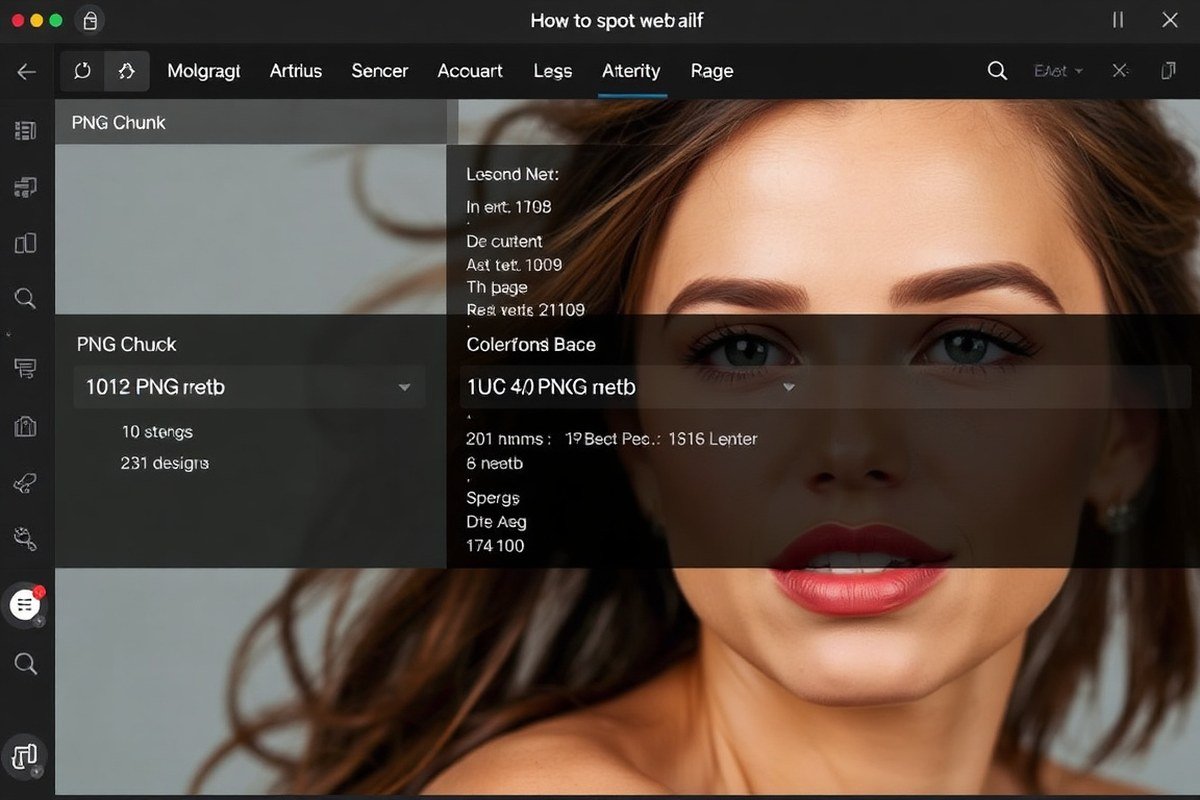
Image metadata and file analysis provide strong clues about whether digital art is AI-generated or digitally altered. Modern cameras capture EXIF data, a set of technical details such as camera model, lens type, shutter speed, GPS location, and exact timestamp. AI-generated images usually lack these data entirely or show minimal metadata because no physical camera is used during creation. Checking for an empty or inconsistent EXIF profile alerts you to possible AI origins or extensive modifications.
To analyze metadata yourself, start by downloading the image file to your computer. On Windows, right-click and select Properties > Details to view metadata; on a Mac, open the image, then choose Tools > Show Inspector. Look specifically for missing camera details or the presence of software names tied to AI tools. Some AI platforms embed their software name in creation tags, directly unveiling automated origins.
Another technical layer includes Steganographic watermarks, invisible digital signatures embedded in the file using standards like C2PA (Coalition for Content Provenance and Authenticity). Platforms such as DALL-E 3 and Google’s Imagen embed these to certify AI creation. You can verify these using online services like Content Credentials (contentcredentials.org/verify), which reveal not only if an image is AI-generated but also which platform created it and when.
Beware that exporting images through editing programs like Photoshop or re-uploading images to social media often strips important EXIF data, masking AI traces. This makes metadata analysis more challenging and less reliable if the image has been heavily processed or compressed. Complete analysis pairs metadata inspection with other methods to improve accuracy but learning to spot absent or suspicious EXIF data is an essential first step in detecting AI art.
3. How to Use AI Detection Tools Effectively
Popular AI image detection tools include Sightengine, Hive Moderation, and specialized detectors based on AI models trained to analyze pixel forensics and generation patterns. Sightengine reports about 92% accuracy on pixel-level forensics, making it reliable for identifying AI-manipulated images. Hive Moderation often achieves over 90% accuracy on benchmark tests, while some modern tools claim nearly 99.9% accuracy for fully generated or partially AI-manipulated photos. Despite high benchmark results, actual accuracy can vary from 70% to 95%, influenced by factors such as image post-editing, resolution, and the AI model that generated the artwork.
These tools work by scanning images for statistical inconsistencies typical of AI generation, such as unnatural textures, irregular pixel patterns, or subtle anomalies in shadows and reflections. However, no single detector guarantees perfect results. For example, the same image can yield wildly different scores, ranging from near 0% to high artificiality, depending on the detector used or even repeated runs on the same tool. This is especially common with images created by new AI models whose outputs differ from older data the detectors were trained on.
To improve detection reliability, combine results from multiple tools. Use a decision rule where you consider an artwork AI-generated if at least two out of three detectors signal high artificiality (above 70%), or if one shows extremely high confidence (above 90%) while others are inconclusive. This cross-verification balances individual tool limits and misclassifications. Always supplement AI detection with your visual analysis and provenance checks, such as verifying ownership history or matching with known originals for online purchases.
| Tool | Reported Accuracy | Cost |
|---|---|---|
| Sightengine | ≈ 92% | Free tier; paid plans start ~$20/month |
| Hive Moderation | > 90% | Pay-as-you-go, roughly $0.01, $0.02 per image |
| Specialized AI Photo Detectors | Up to 99.9% | Varies; often subscription-based or enterprise only |
For best results, run your image through multiple detectors to identify potential discrepancies, especially for polished or edited artworks that can evade individual detectors. Understanding how generative AI works helps you interpret these scores better, recognizing when a low detection rate might still mask AI involvement. These tools not only confirm authenticity but also uphold transparency, guard against misrepresentation in digital art, and support informed decisions when buying or sharing digital content.
4. Contextual and Social Clues That Suggest AI Art Usage
One way to spot AI art is by checking the artist’s portfolio for inconsistencies that hint at AI assistance. A portfolio with sudden jumps in style or skill level, or many polished pieces without any rough drafts or work-in-progress images, can signal AI involvement. Genuine human artists usually share photos or videos of their creation process, while AI-generated pieces might lack this transparency. Examining an artist’s website or online gallery can reveal if they often skip showing the evolution of their work.
Suspicious productivity also points to AI use. Artists creating dozens of complex, high-quality images weekly, especially with rapid style shifts, might be relying on AI tools. Creating such volumes by hand is time-consuming, and unless the artist explains their workflow clearly, this level of output can raise doubts.
Social media provides further clues. Artists who rarely respond to questions about techniques or materials, or who do not post behind-the-scenes content, might be using AI. Posts lacking detailed captions describing artistic decisions or lacking consistent hashtags related to traditional art can be red flags. Conversely, artists transparent about their process and who engage with their followers build credibility.
To verify authenticity, look for how often the artist shares in-progress works, studio shots, or live streams showing their process. Use social media to ask direct questions about materials and methods; genuine creators usually appreciate the interest. Tools like ArtScan can help confirm if an artwork copies known originals, but assessing ongoing engagement and openness about the creative process is critical. Verification takes time but helps distinguish AI-generated images from true human artistry.
5. Differences Between AI Art and Human Art Styles
AI art styles often exhibit high precision with smooth gradients and intricate detail repetition, but they usually lack the nuanced intentionality behind human styles. Human artists choose elements based on personal experience and emotional intent, resulting in artworks carrying distinct emotional depth. AI art can mimic emotions superficially through pattern recognition but struggles to convey genuine creative insight or subtle emotional shifts that evolve during a human creative process.
| Feature | AI Art | Human Art |
|---|---|---|
| Intentional Meaning | Often absent or generic, created via learned patterns | Deliberate, tied to personal or cultural context |
| Emotional Expression | Simulated, can appear flat or overly consistent | Authentic, variable, often complex |
| Style Consistency | May show odd inconsistencies like misplaced anatomy or surreal details | Consistent with artist’s evolving technique and intent |
| Creativity | Pattern-based recombination, limited by training data | Original, often experimental and unpredictable |
In practice, an AI-generated digital painting might present perfect symmetry and idealized lighting but struggle with naturalistic human gestures or emotional subtleties in facial expression. In contrast, a human portrait might have imperfect brush strokes or asymmetry that deepens emotional impact, showing clear artistic decisions rather than algorithmic output. Artists infuse their work with narrative layers and personal symbolism that AI currently cannot replicate fully.
To spot these differences, examine how the art’s emotional tones feel, AI art can appear either hyper-polished or strangely detached. Check for inconsistent elements, such as unnatural anatomy or blending errors in backgrounds that AI models struggle to fix. While AI can create stunning concept art quickly, the lack of evolving intentionality behind the piece distinguishes it from human creativity, especially under close scrutiny.
6. How AI Art Generation Has Evolved and What to Expect
AI art quality has improved rapidly, especially since early 2023, making detection increasingly challenging. Recent models like Stable Diffusion, Midjourney, DALL-E 3, and Adobe Firefly produce images that closely resemble real paintings or digital artworks, often with nearly flawless detail and resolution. Advances in multimodal AI systems such as GPT-4o and Gemini Imagen combine language understanding with image generation, creating more context-aware and sophisticated visuals. These models typically handle textures, shading, and perspective well, but still struggle most with natural hand rendering, which remains a common giveaway.
Each generation of AI art models brought specific strengths and weaknesses. Early versions produced images with visible artifacts like unnatural distortions or inconsistent lighting, which made spotting them easier. Mid-generation models improved realism and detail but often showed subtle repetition or symmetry telling of their algorithmic origin. Latest platforms focus on aesthetics and semantic coherence, so while they reduce obvious flaws, they sometimes introduce less noticeable errors in complex scenes, such as odd shadows or slightly off anatomy.
Detection tools have evolved alongside these improvements. Tools like Hive Moderation and Illuminarty analyze embedded metadata, compression artifacts, and generation parameters to flag AI signatures. Detection success can reach about 85 percent on features like eyes and fine shading but drops significantly, up to 90 percent failure, in intricate compositions involving perspective tricks or mixed media effects. High-volume accounts can exploit these gaps, evading single-image detectors roughly 30 to 50 percent of the time, complicating trustworthiness assessments.
Looking ahead, AI art generation will likely integrate deeper reasoning about physical environments and artist styles, blurring lines further. Emerging trends include more smooth fusion of AI and human-created elements, higher-resolution outputs, and faster real-time generation. Understanding the timeline of these improvements helps you recognize that detection now requires a combination of technical analysis and critical eye assessments. You can start by running suspicious artwork through tools like HitPaw Online AI Detector, then manually inspecting details prone to error like hands or unusual shading. The evolving nature of AI art means detection is an ongoing challenge rather than a fixed checklist.
7. Practical Checklist to Verify and Report AI-Generated Art
To confirm whether an image is AI-generated, use a multi-step process combining different verification methods. Start with Visual inspection: examine the image for typical AI quirks like unnatural anatomy, inconsistent shadows, or odd textures. Then, check the file’s metadata for signs of AI tool usage, prompts or software names are sometimes included, especially with PNG files from generators like Stable Diffusion or Open Journey.
Next, run the image through reliable AI detection tools such as Hive or aiornot.com. These tools provide a confidence percentage indicating the likelihood that the image was produced by AI. Keep in mind, none of these steps is individually conclusive, but when results align across methods, your confidence grows.
For further validation, do a reverse image search to see where else the image appears online and check the creator’s history for established artistry or repeated AI usage. Combining these signals forms a strong case either confirming or questioning the image’s origin.
- Perform a detailed visual analysis focusing on structural oddities
- Extract and review image metadata for AI generation traces
- Upload the image to at least one AI detection service for probability scores
- Conduct a reverse image search to check prior uses and context
- Research the artist’s portfolio history for consistency or suspicion
- Cross-check results and assess the overall reliability
If you suspect an image is AI-generated in a professional or online setting, report it clearly and professionally. Use this script template as a starting point:
Dear [Platform/Client], I am writing to bring to your attention a piece of artwork that may have been AI-generated without proper disclosure. After careful visual inspection, metadata analysis, and use of AI detection tools, this image shows several indicators consistent with AI creation. Could you please verify and clarify the origins of this artwork? Transparency helps maintain trust and integrity within our creative community. Thank you, [Your Name]
Applying this checklist allows you to combine different methods to strengthen your assessment and communicate concerns respectfully while protecting artists’ rights and encouraging transparency.
Step-by-Step Action Plan to Spot AI Art with Confidence
Follow these steps to quickly identify AI-generated art using a mix of visual cues, technical checks, and context analysis.
- Before Viewing: Know common AI art signs like unusual eyes or inconsistent textures, so you’re ready to spot them right away.
- During Viewing: Inspect the artwork’s details, focusing on unnatural features or glitches to validate your initial suspicion.
- Right After: Use AI detection tools on the image file to analyze metadata and fingerprints; a high AI probability confirms your visual findings.
- Within 24 Hours: Research the artwork’s source and creator online to find contextual clues or social signals indicating AI involvement.
- Within 48 Hours: Compare the style with known human and AI-generated art patterns to strengthen your confidence in the identification.
- After 3 Days: Cross-check your results with community forums or experts to validate or refine your assessment.
- Ongoing: Keep updated on the latest AI art generation trends to improve your detection skills as technology evolves.
Frequently Asked Questions
What Are Subtle Visual Giveaways That Hint at AI-generated Art?
AI art often shows unnatural textures or overly smooth surfaces that look less organic. Experts also note odd details like inconsistent lighting or unnatural anatomy that give away AI origins.
Can Metadata Conclusively Prove an Image Is AI-generated?
Metadata alone can’t always confirm AI creation but it often reveals software used or editing history. Combining metadata with visual clues improves accuracy in spotting AI art.
How Reliable Are AI Detection Tools for Identifying AI Art?
AI detection tools can be helpful but aren’t foolproof against advanced AI images like those from Midjourney v6. Use them alongside careful visual analysis for best results.
What Social or Contextual Hints Can Indicate AI-generated Artwork?
Sudden appearances of highly detailed art from unknown creators or posts with vague source info often signal AI usage. Checking artist portfolio depth also helps.
Do AI Art Styles Mimic Human Artists Well Enough to Confuse Viewers?
Yes, modern AI can closely mimic diverse human styles, making it hard to distinguish. Trained viewers look for subtle anomalies in style consistency and detail.
Final Thoughts
Spotting AI-generated art depends on combining sharp visual observation with smart use of technical tools and context clues. Start by checking for odd details, then confirm with metadata analysis and social research. Your next step is to apply these methods to a recent artwork you’re curious about and test your detection skills in a real case.